
A mousepad is one of the most frequently used accessories on any computer desk. Over time, dust, sweat, oils, and dirt can build up on its surface. A dirty mousepad may affect mouse performance and make your workspace look less clean.
If you are wondering how to wash mousepad properly, this guide will help you clean it safely without causing damage.
Why Should You Wash Your Mousepad?
Many people regularly clean their keyboard and monitor but forget about their mousepad. Since it is used every day, it can collect dirt and bacteria over time.
Cleaning your mousepad can help:
- Improve mouse tracking accuracy
- Remove dirt and stains
- Extend the lifespan of the mousepad
- Keep your desk cleaner
- Create a better user experience
A clean mousepad also makes your workspace look more organized and professional.
Things You Need Before Cleaning
Before starting the cleaning process, gather the following items:
- Warm water
- Mild dish soap
- Soft sponge or microfiber cloth
- Clean towel
- Flat surface for drying
Avoid using strong chemicals because they can damage the fabric and rubber materials.
How to Wash a Cloth Mousepad
Most mousepads are made from cloth material with a rubber base. These are easy to clean and maintain.
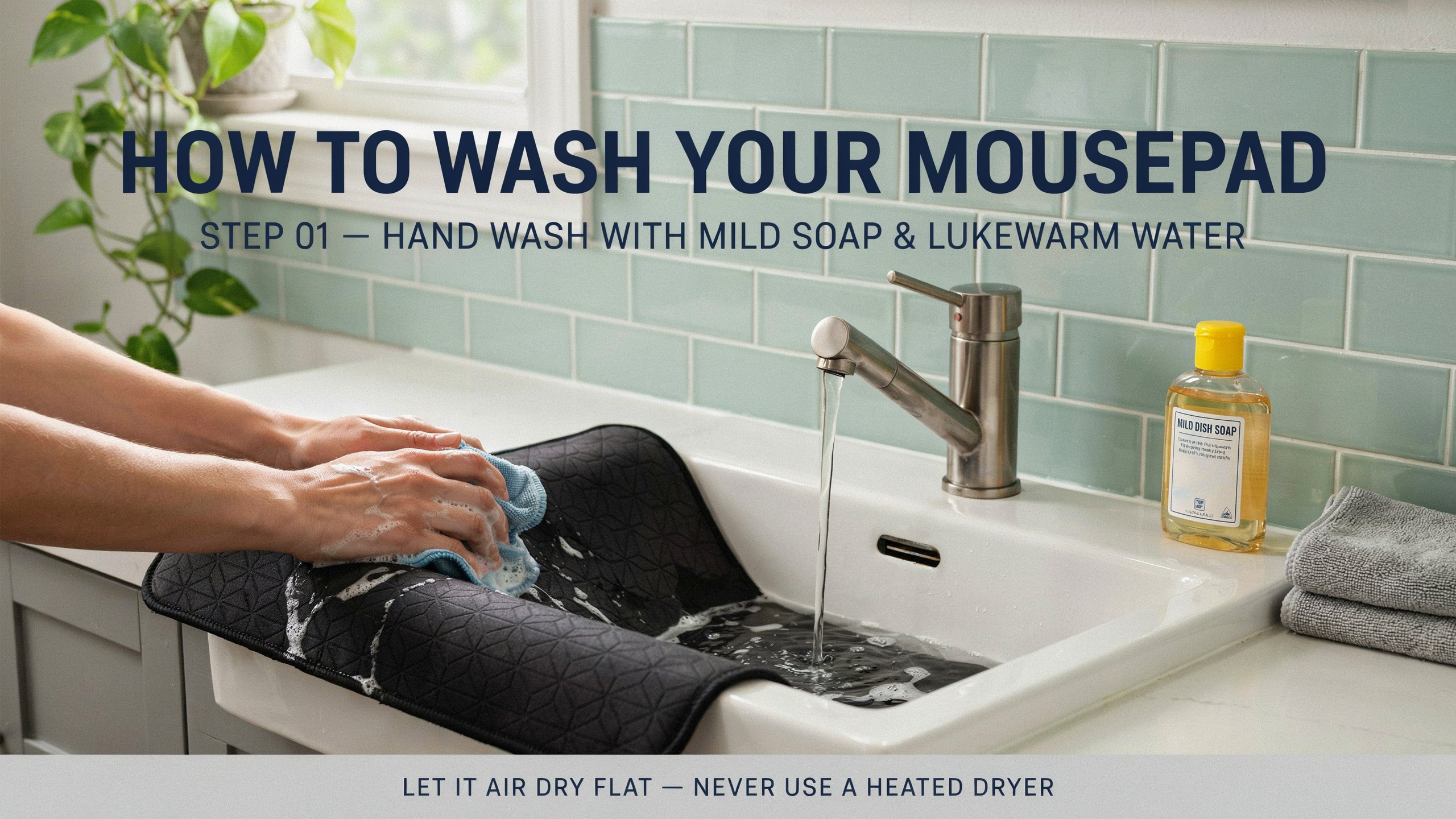
Step 1: Prepare Warm Water
Fill a sink, bowl, or container with warm water. Avoid using very hot water because it may damage the mousepad material.
Step 2: Add Mild Soap
Add a small amount of mild dish soap to the water and mix it gently.
A gentle cleaning solution is enough to remove dirt and oils from the surface.
Step 3: Clean the Surface
Place the mousepad in the water and use a soft sponge or microfiber cloth to gently scrub the surface.
Pay extra attention to areas that contain visible stains or dirt buildup.
Step 4: Rinse Thoroughly
After cleaning, rinse the mousepad with clean water until all soap residue has been removed.
Leaving soap on the surface can affect mouse movement and attract additional dirt.
Step 5: Remove Excess Water
Place the mousepad on a clean towel and gently press it to absorb excess water.
Do not twist or wring the mousepad, as this may damage its shape.
How to Dry a Mousepad Properly
Proper drying is an important part of the cleaning process.
Air Dry the Mousepad
Lay the mousepad flat on a clean towel in a well-ventilated room.
Allow it to dry naturally for several hours or overnight.
Avoid Direct Heat
Do not use:
- Hair dryers
- Clothes dryers
- Heaters
- Excessive direct sunlight
High temperatures can damage the mousepad and reduce its lifespan.
How to Clean a Large Gaming Mousepad
Large gaming mousepads can be cleaned using the same method.
Because of their size, many users prefer cleaning them in a bathtub rather than a sink.
Use gentle circular motions while cleaning and make sure all soap is removed before drying.
How Often Should You Wash a Mousepad?
The cleaning frequency depends on how often you use it.
For Everyday Users
If you use your computer daily, cleaning your mousepad every one to three months is a good practice.
For Gamers and Heavy Users
Gamers and professionals who spend long hours at a computer may need to clean their mousepads more frequently.
Regular maintenance helps maintain smooth performance and appearance.
Common Mistakes to Avoid
When cleaning a mousepad, avoid these common mistakes:
Using Harsh Chemicals
Strong cleaning products can damage the surface material and rubber backing.
Scrubbing Too Hard
Aggressive scrubbing may wear down the surface texture.
Using Heat to Dry
Heat can warp the mousepad and reduce its durability.
Using the Mousepad Before It Is Fully Dry
Always wait until the mousepad is completely dry before placing it back on your desk.
Benefits of a Clean Mousepad
Keeping your mousepad clean provides several advantages:
- Better cursor control
- Smoother mouse movement
- Improved gaming performance
- Longer product lifespan
- Cleaner workspace
A few minutes of maintenance can significantly improve your overall computer experience.
Conclusion
Learning how to wash mousepad properly is a simple way to keep your workspace clean and improve mouse performance. With warm water, mild soap, and careful drying, you can remove dirt and stains without damaging the surface.
Regular cleaning not only helps your mousepad last longer but also ensures smoother and more accurate mouse movement. Whether you use your computer for work, study, or gaming, maintaining a clean mousepad is a small task that offers long-term benefits.